Pagewise
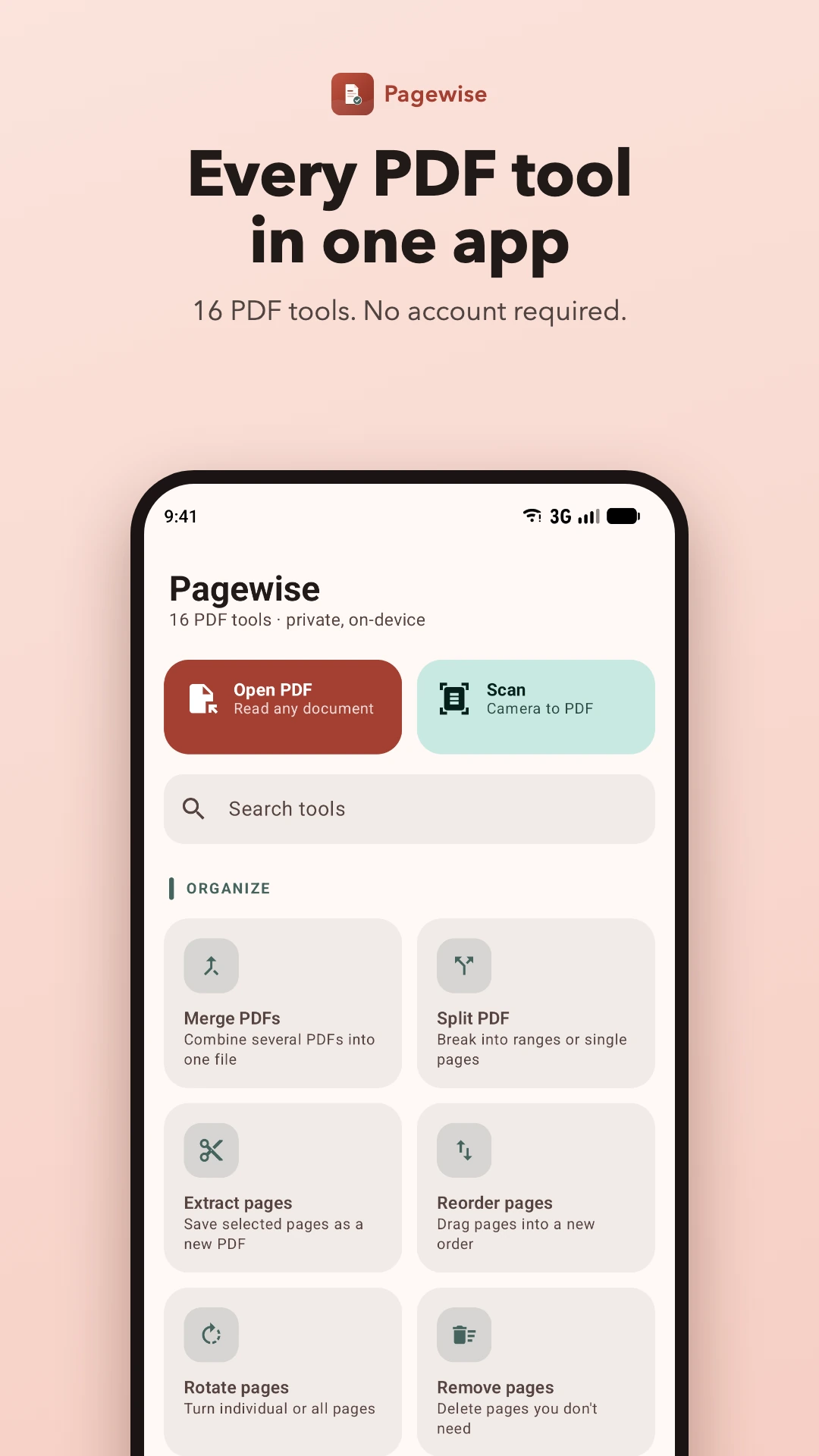
Merge, split, compress, scan and lock PDFs — free, offline and private. Sixteen PDF tools and a fast reader, with no account and no uploads.
About Pagewise
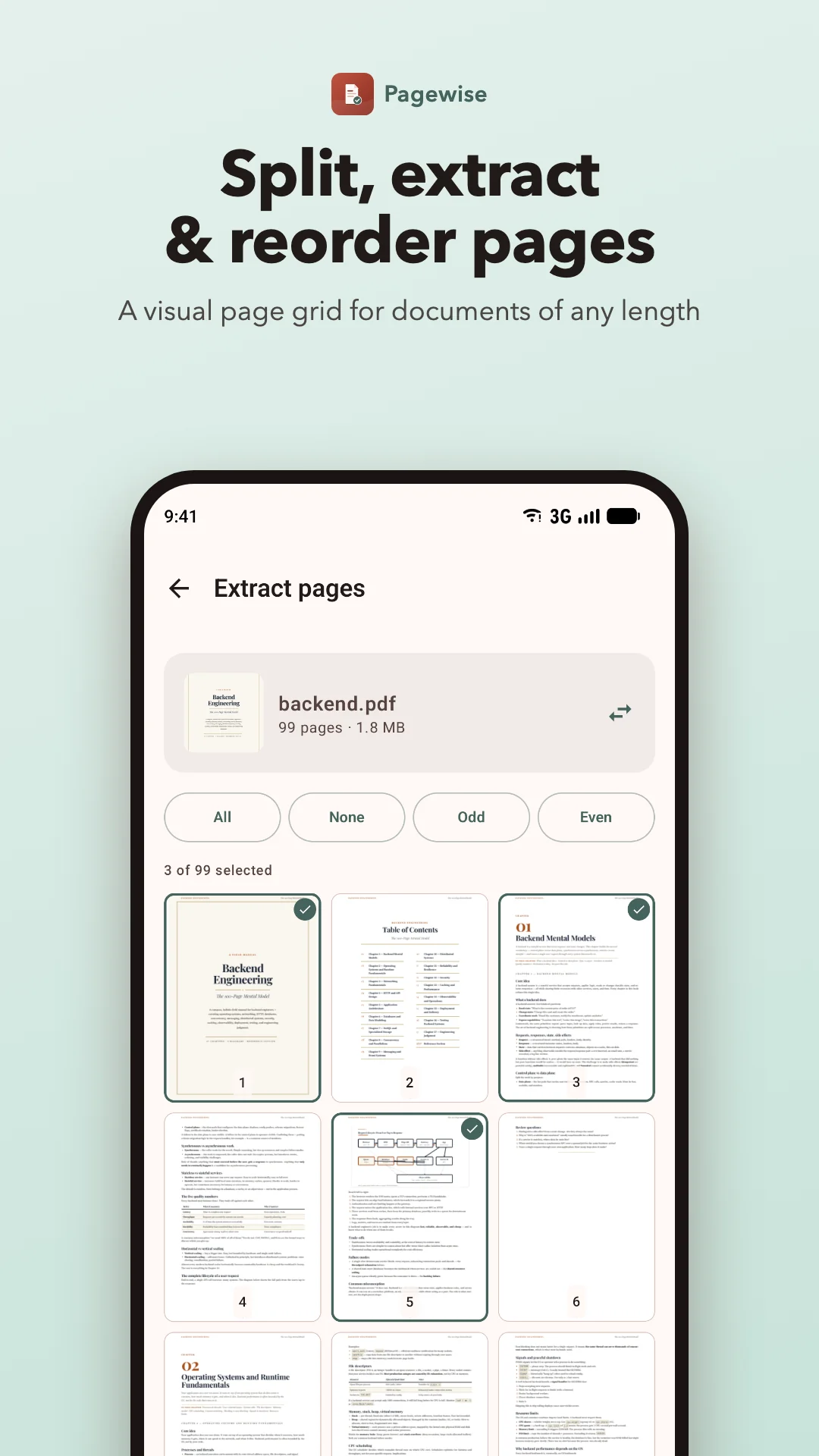
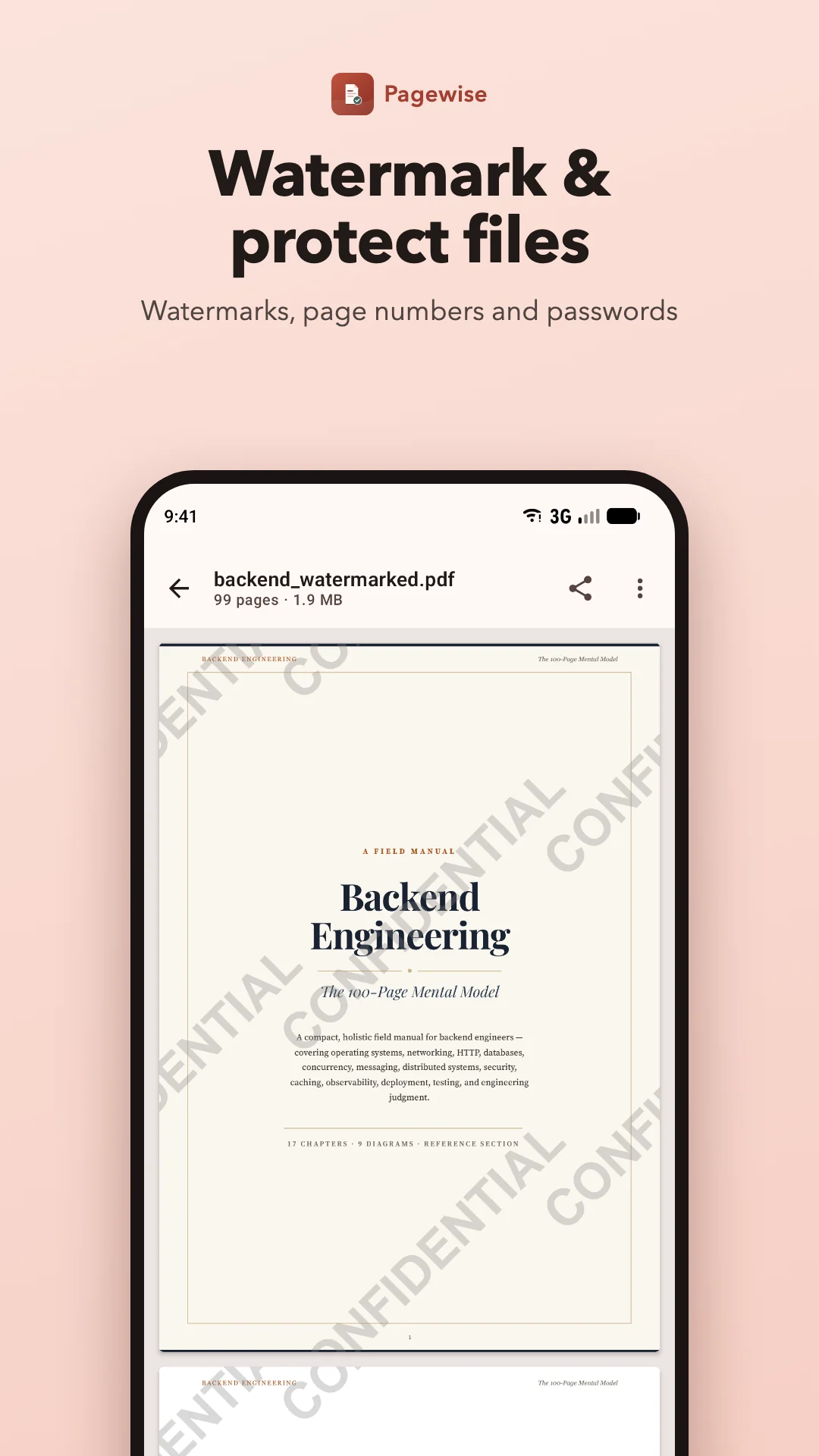
Pagewise is a free PDF editor, reader and scanner for Android. Merge several PDFs into one, split a long document, pull out the pages you need, shrink large files for email, stamp watermarks and page numbers, and protect documents with a password.
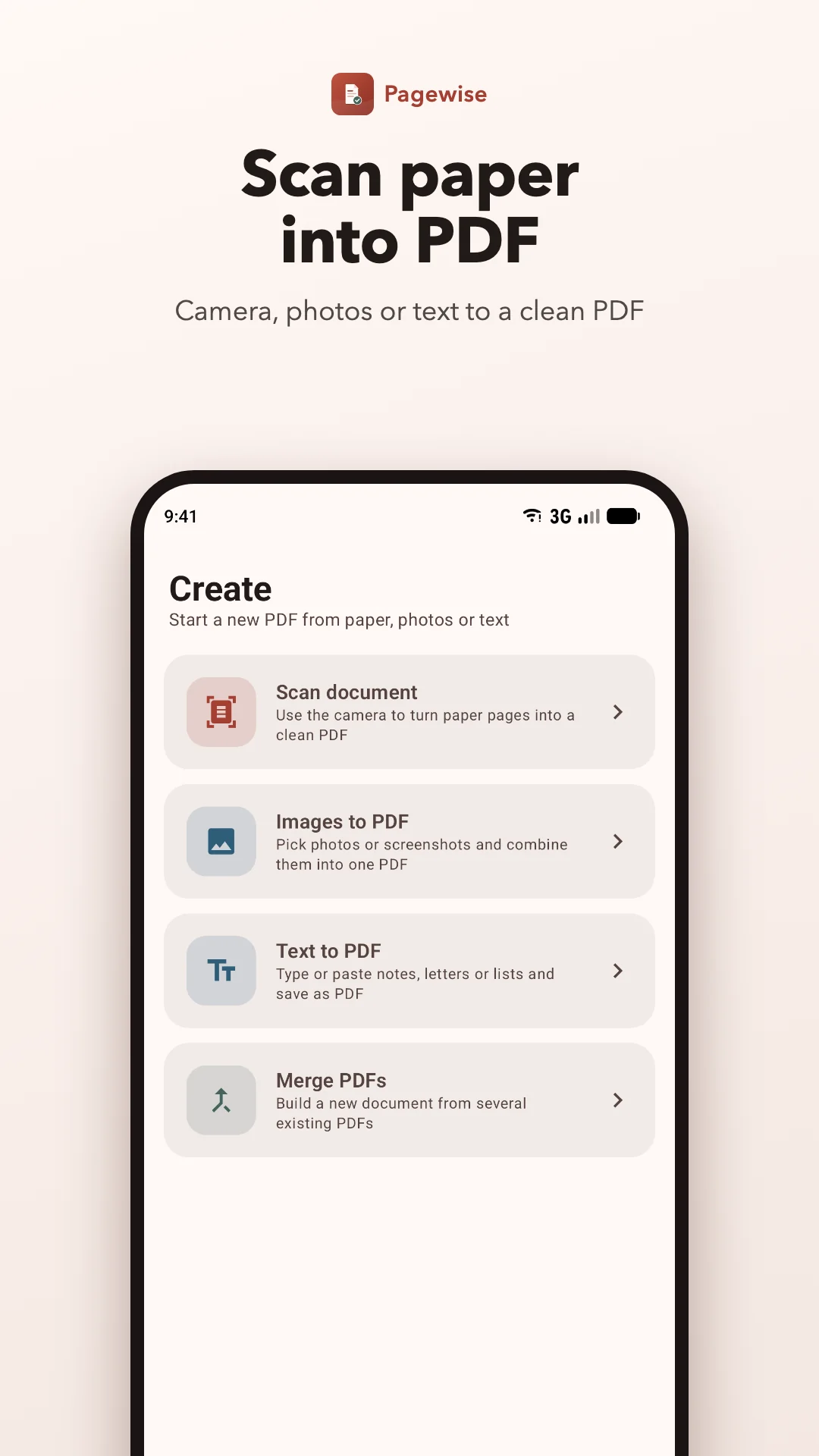
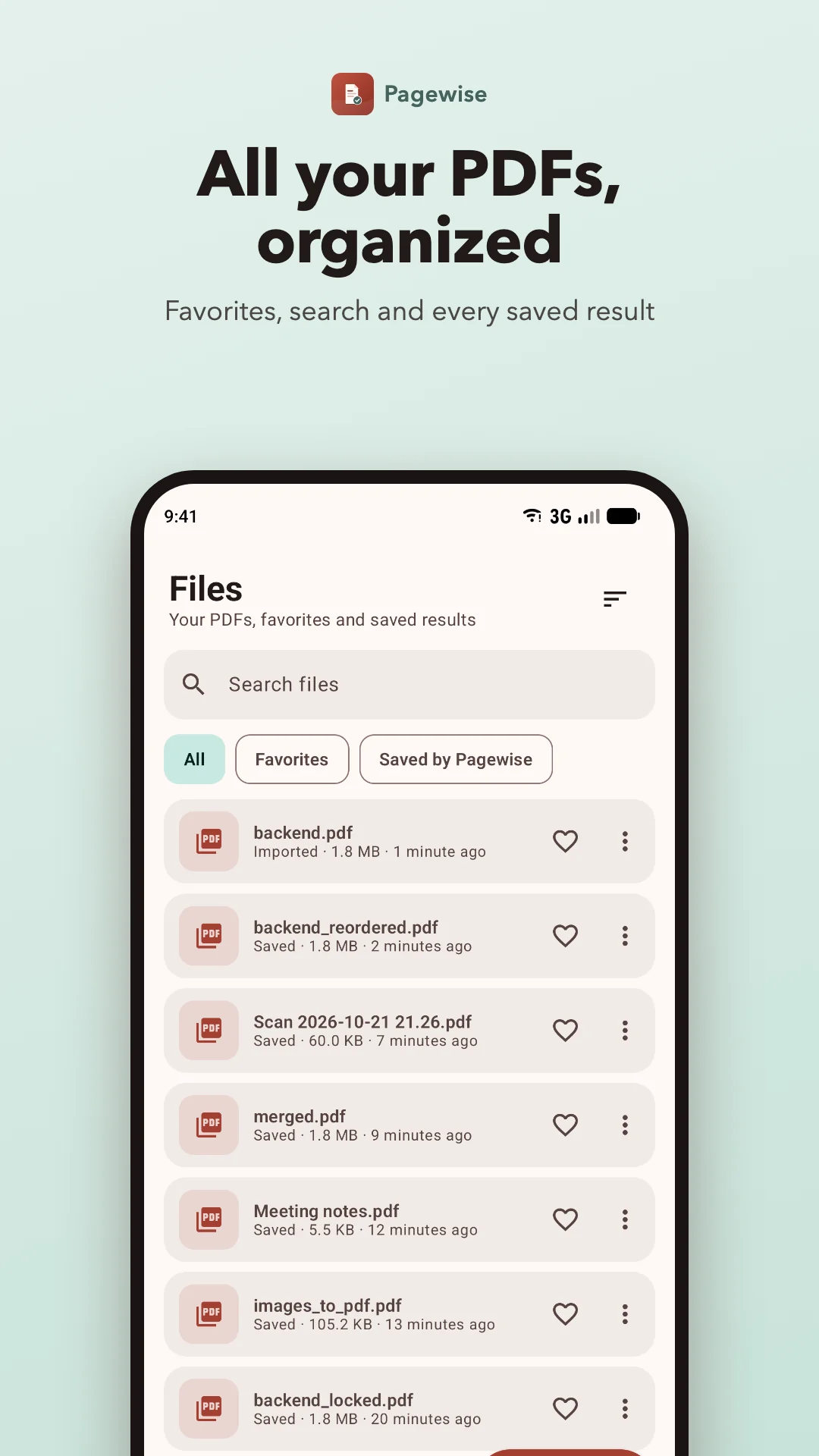
Turn paper into a PDF with your camera, combine photos or screenshots, write a quick note as a PDF, export pages as images, or copy the text out of any PDF. Every result can be opened, shared or found again in the Files tab.
PDF processing runs on your device, with no account or document uploads. Pagewise is supported by Google AdMob ads, which use an internet connection and may collect device and ad interaction data. An optional rewarded ad gives you one hour without ads. See our privacy policy for details and ad privacy choices.
Why use Pagewise?
Private by design
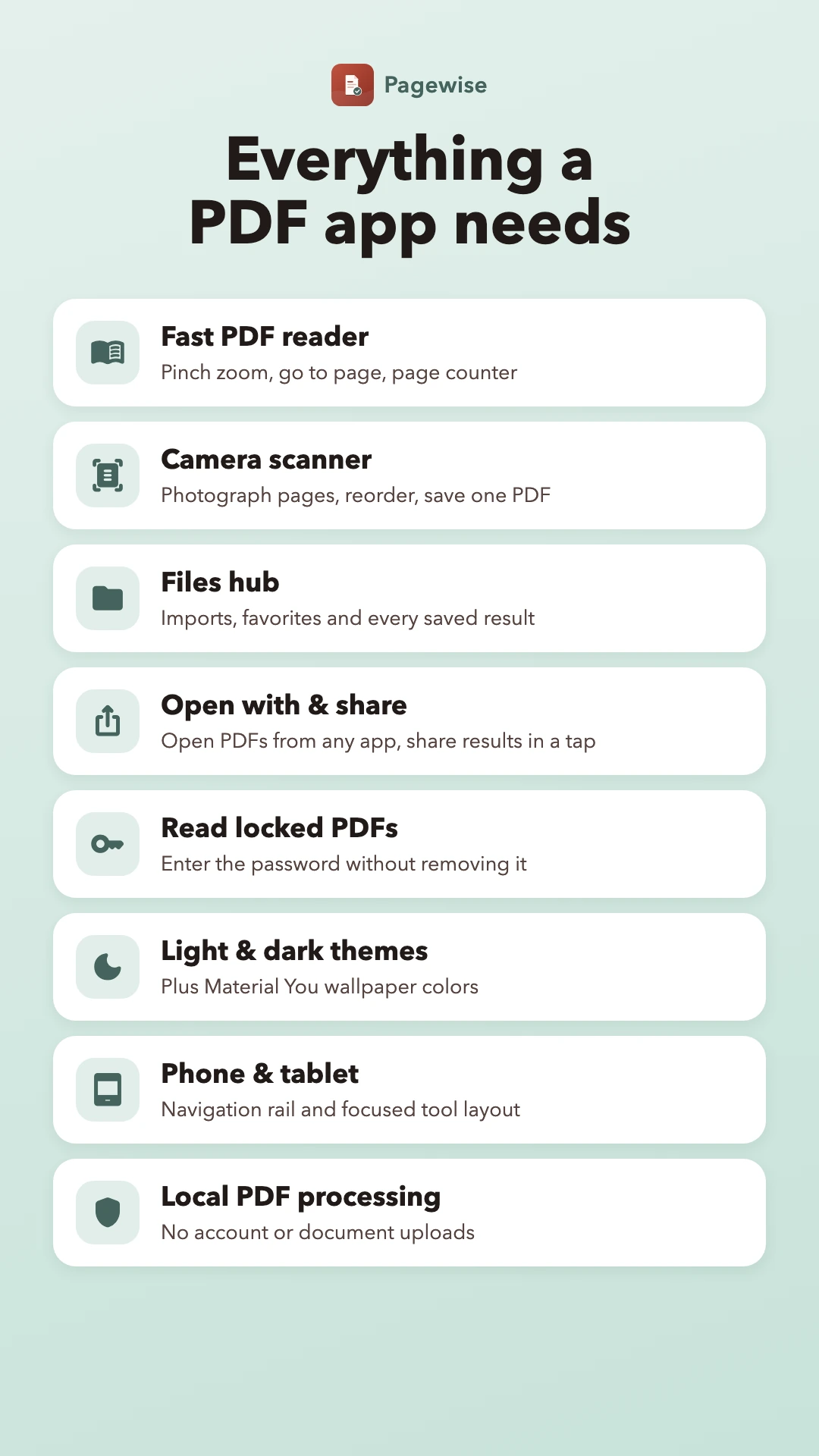
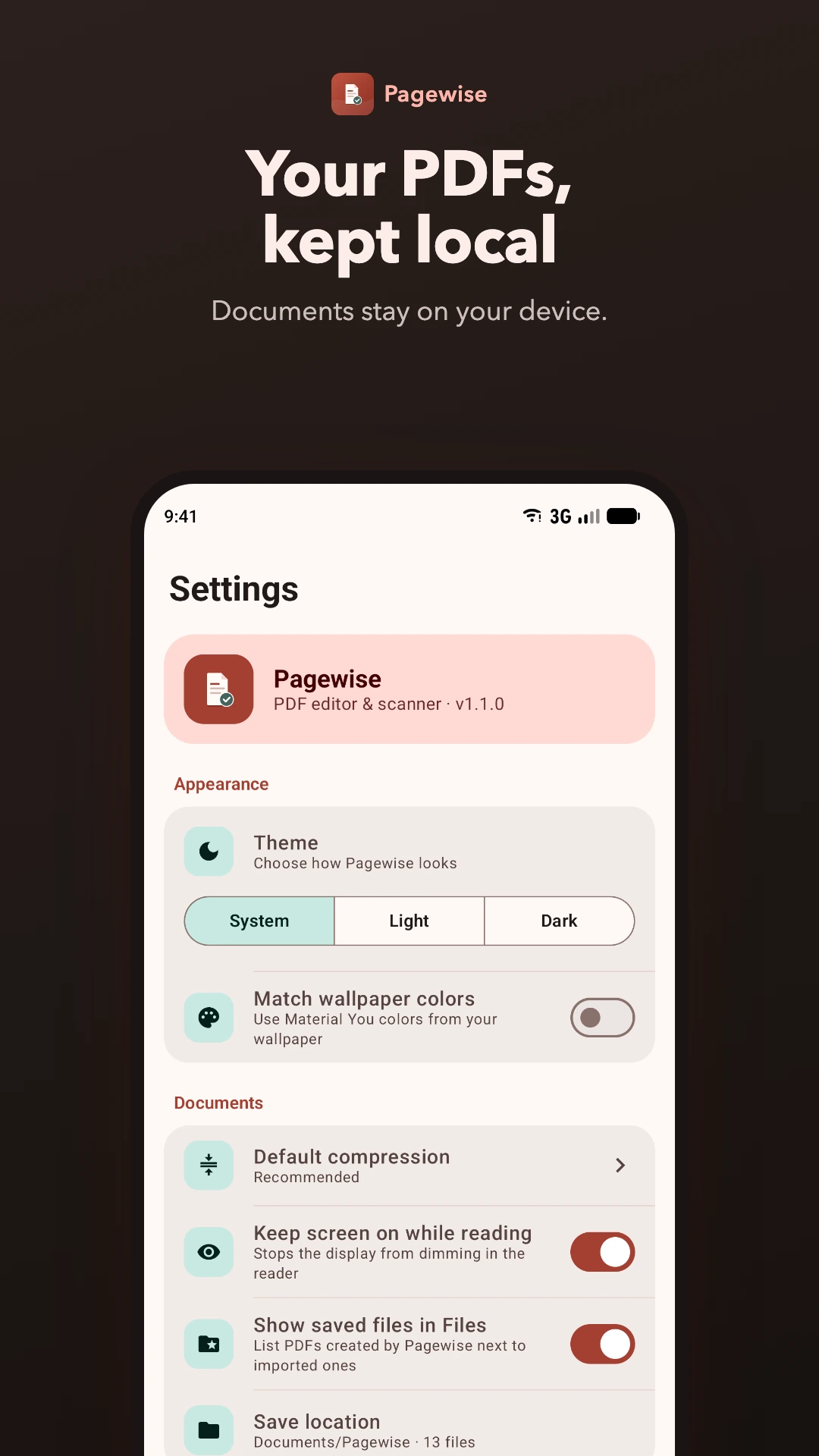
No account or document uploads. PDF processing stays on your device; ad data is handled separately by Google AdMob.
16 tools, one app
Organize, edit, secure and convert PDFs without juggling several apps.
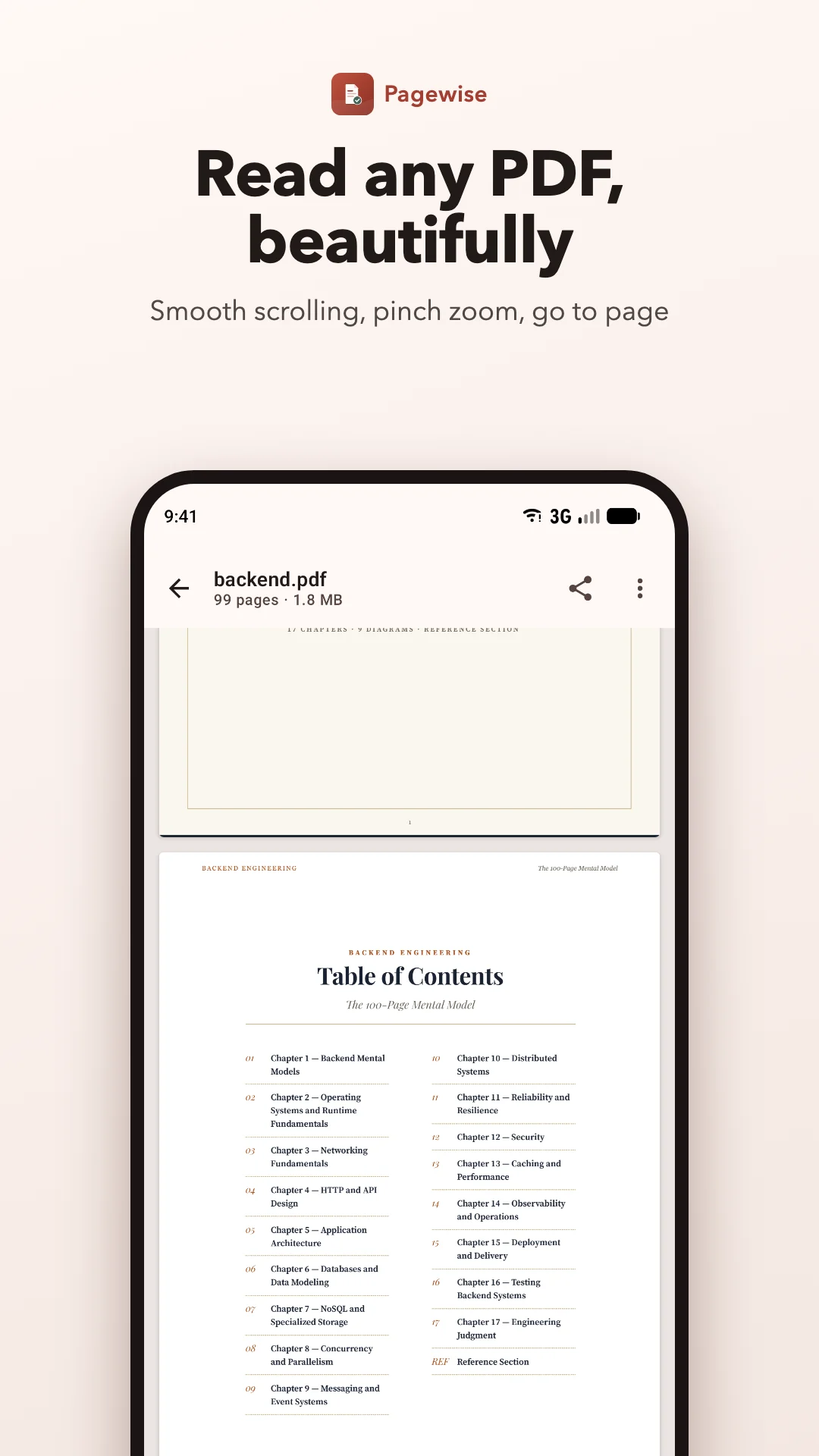
A real PDF reader
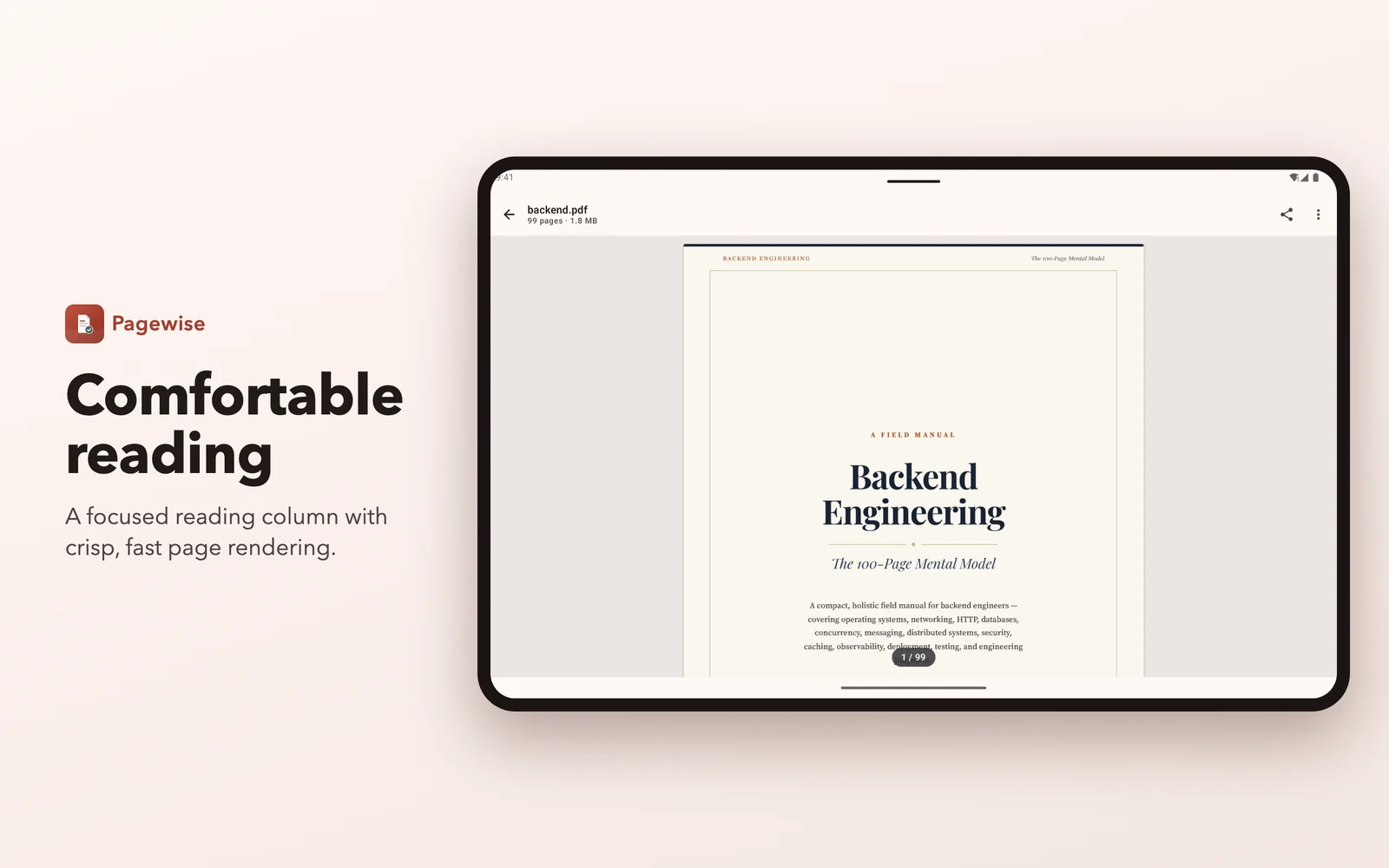
Smooth page-by-page reading, pinch zoom, go to page, and every tool one tap away.
Scan to PDF
Photograph paper pages, reorder them and save one clean PDF.
Lock and unlock
AES-256 password protection, and read locked PDFs with their password.
Phone and tablet
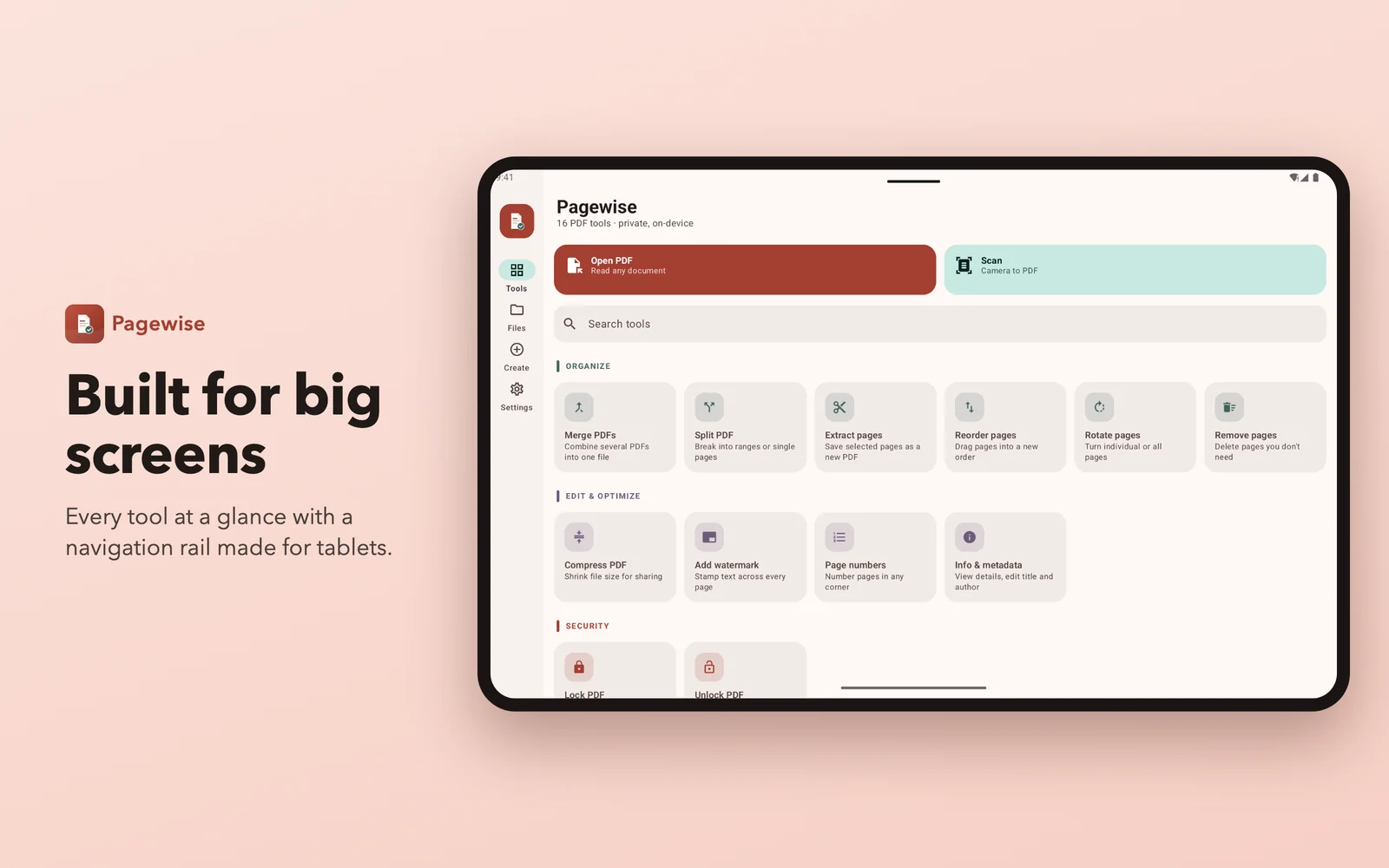
Light and dark themes, Material You colors and a tablet layout.
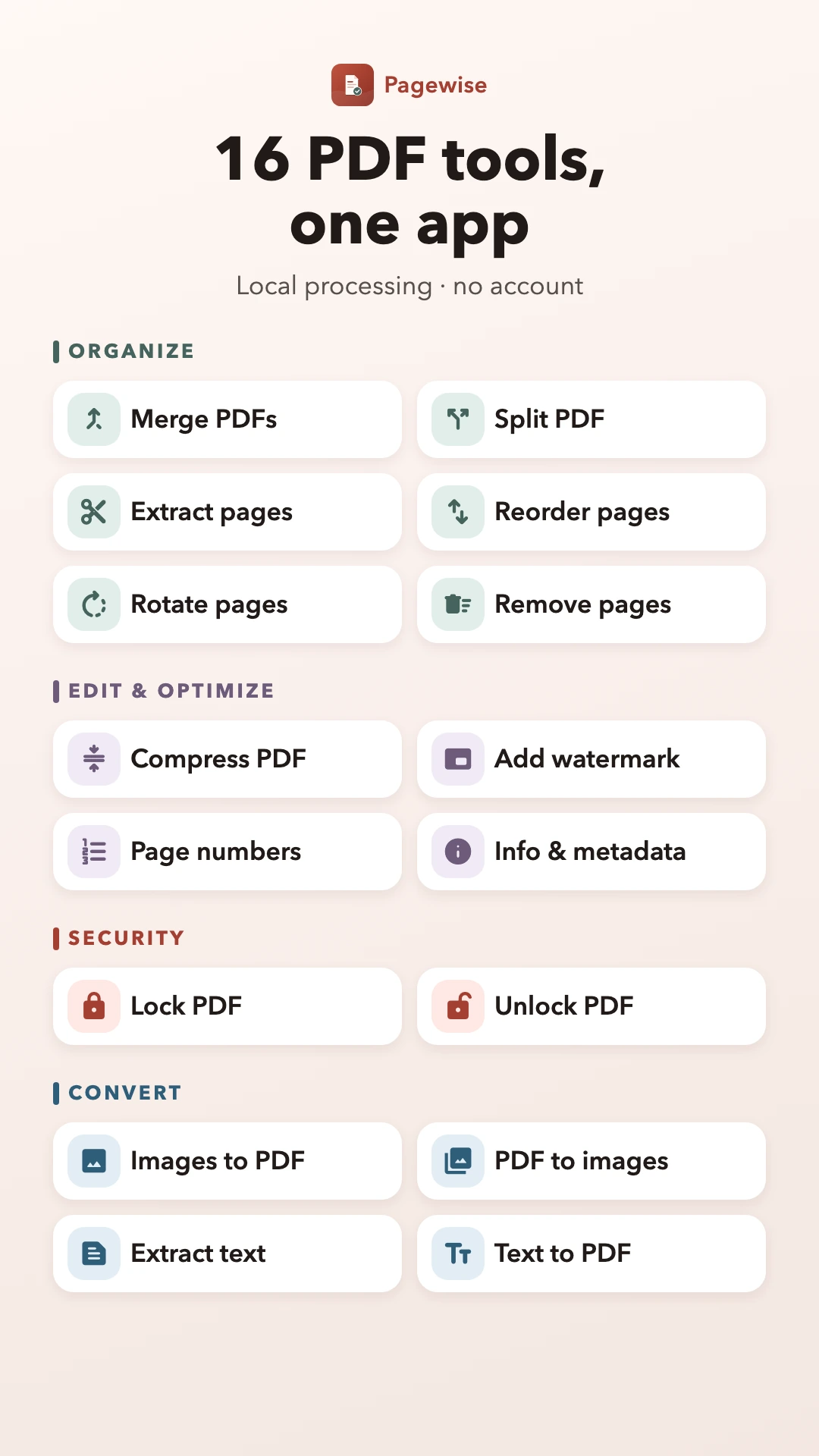
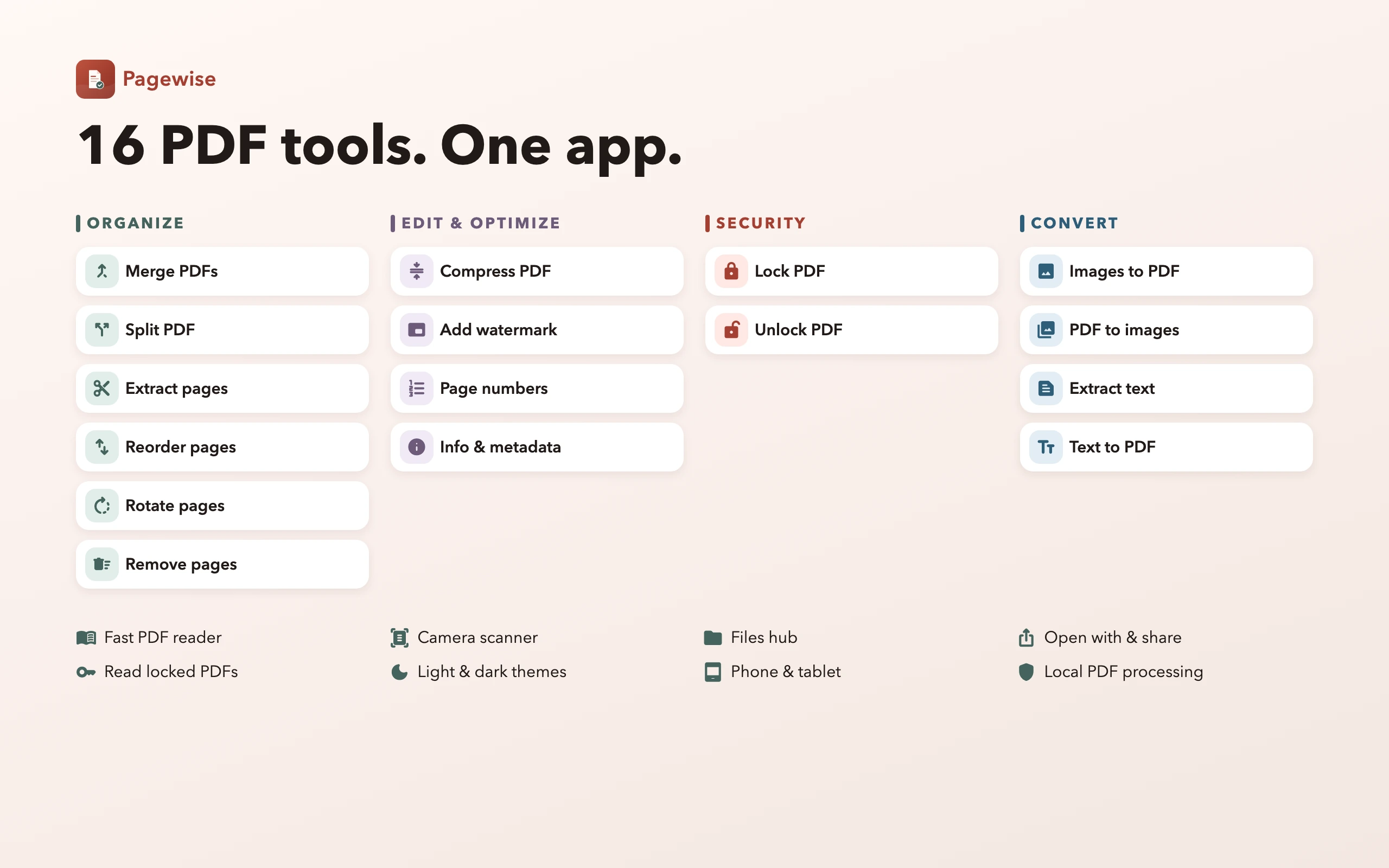
Every tool included
Organize
- ✓ Merge PDFs
- ✓ Split PDF
- ✓ Extract pages
- ✓ Reorder pages
- ✓ Rotate pages
- ✓ Remove pages
Edit & optimize
- ✓ Compress PDF
- ✓ Add watermark
- ✓ Page numbers
- ✓ Info & metadata
Security
- ✓ Lock PDF
- ✓ Unlock PDF
Convert
- ✓ Images to PDF
- ✓ PDF to images
- ✓ Extract text
- ✓ Text to PDF
App Screenshots
On tablets
Technical Details
Pagewise processes every document on-device with an Apache-licensed PDF engine. Files arrive through Android's document and photo pickers; Google Play services provides document scanning. Advertising uses internet access and advertising-related permissions.
| Category | Productivity |
| Version | 1.1.1 |
| Price | Free · ad-supported · no in-app purchases |
| Requires | Android 8.0 and higher |
| Permissions | Internet and network state for ads; advertising ID supplied by the ad SDK. No broad storage or app camera permission. |
| Package ID | app.novushhq.pagewise |