FocusGuard
Block Reels, Shorts and distracting apps with FocusGuard. Schedules, focus timer, app limits and screen-time insights. Free, no account, and your rules stay on your phone.
About FocusGuard
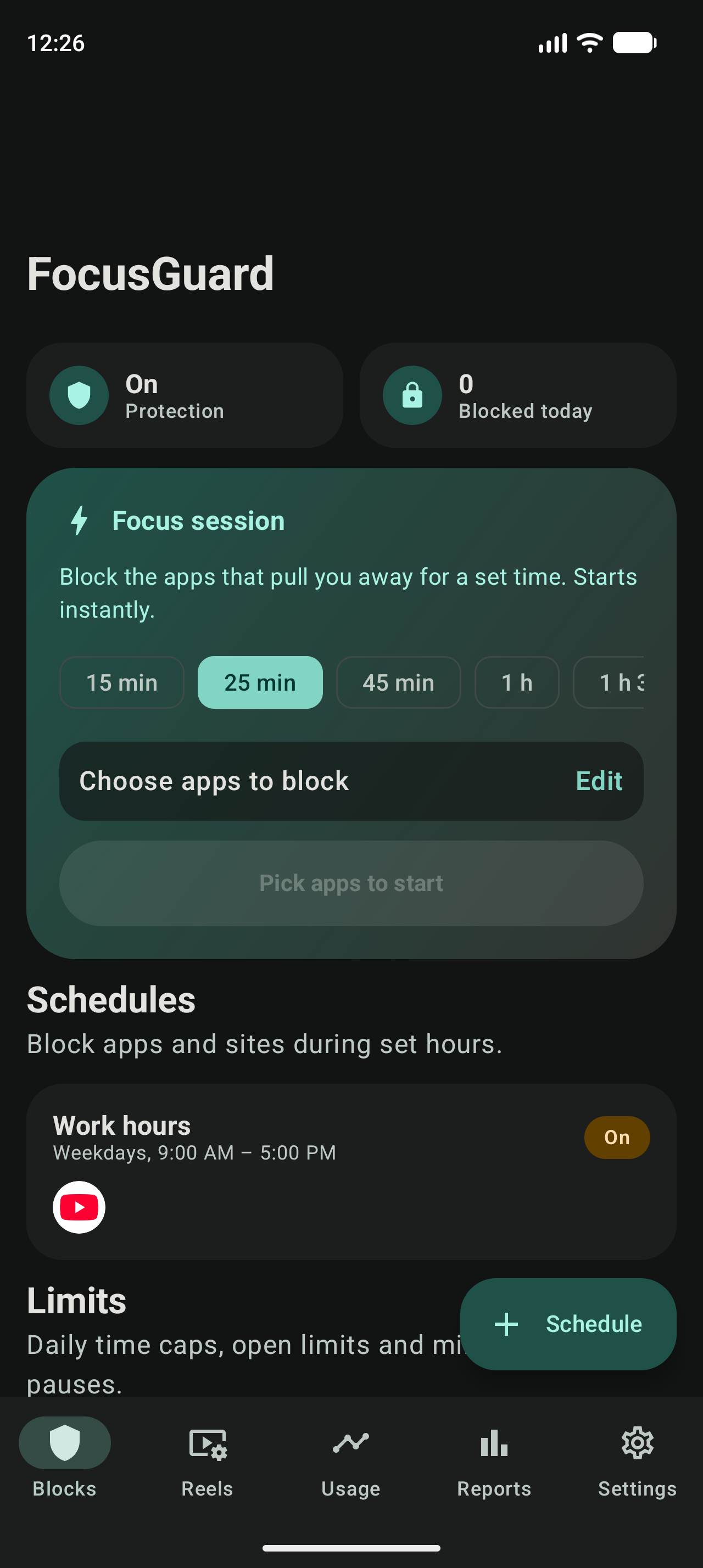
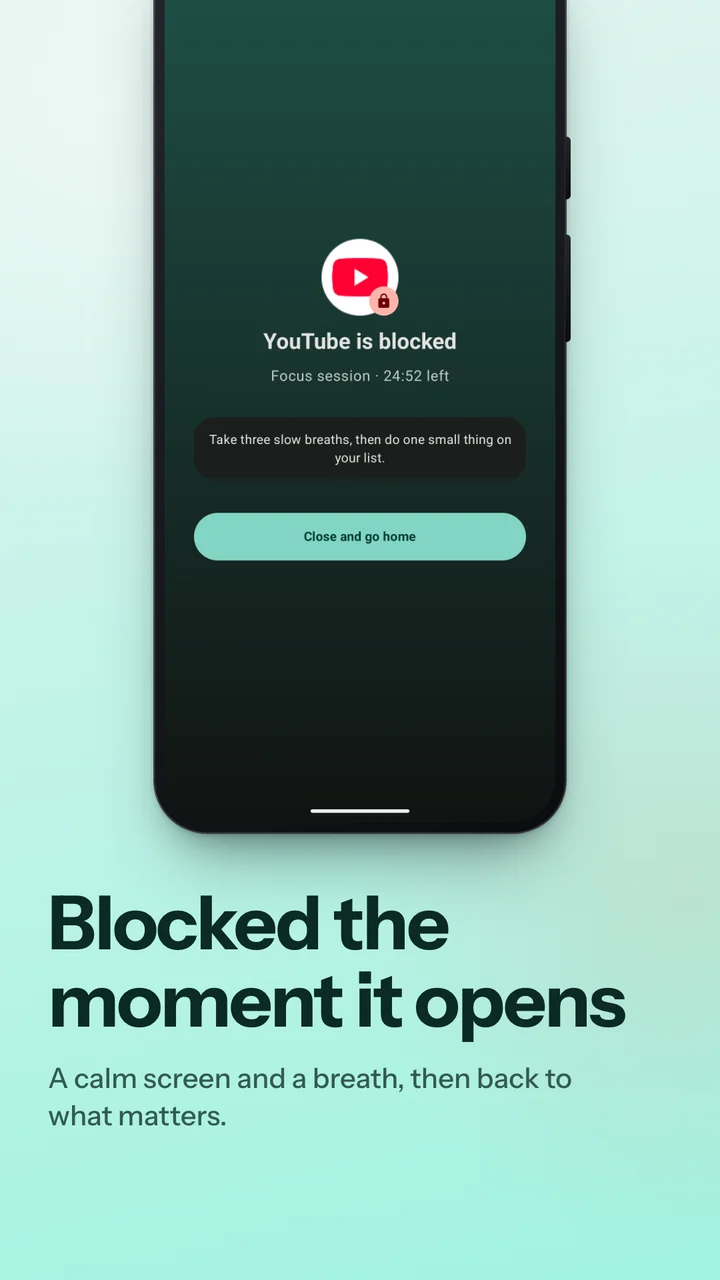
FocusGuard is designed to give you back your attention. Endless Reels, Shorts and distracting apps are engineered to keep you scrolling; FocusGuard closes them the moment they open — during work hours, at bedtime or all day — while the rest of each app keeps working. One-tap focus sessions, daily time caps, keyword and adult-content blocking, and honest screen-time reports complete the toolkit. Every feature is free.
Key Highlights & Philosophy
FocusGuard needs no account, no analytics SDKs, no servers. Your rules and statistics never leave your phone's sandbox, and blocking works offline. The accessibility service that enforces your blocks sees only which app or site is on screen — never messages, typing or passwords — and what it sees is never transmitted.
FocusGuard is free for everyone thanks to light ads from Google AdMob: one small banner and an occasional ad when you finish a task. Never on the block screen, never mid-task — and one short video in Settings makes the app ad-free for an hour. The ads SDK never receives your rules or screen time; see the privacy policy.
Core Capabilities
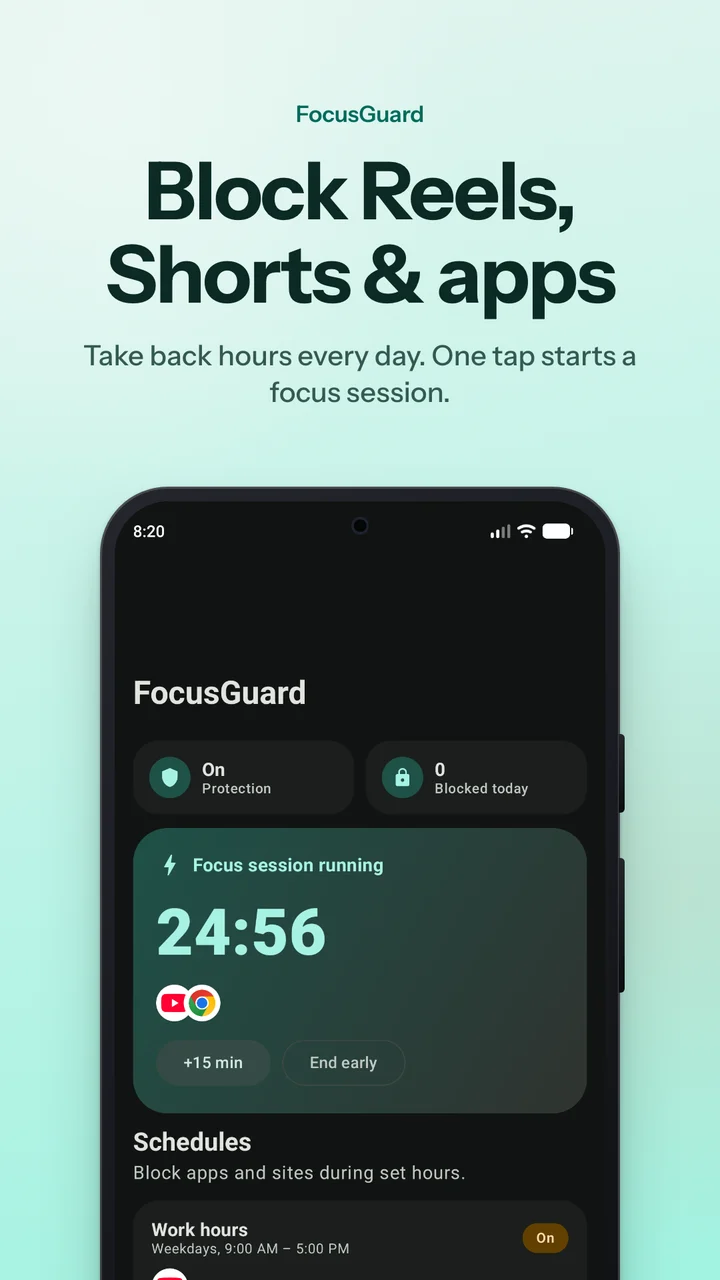
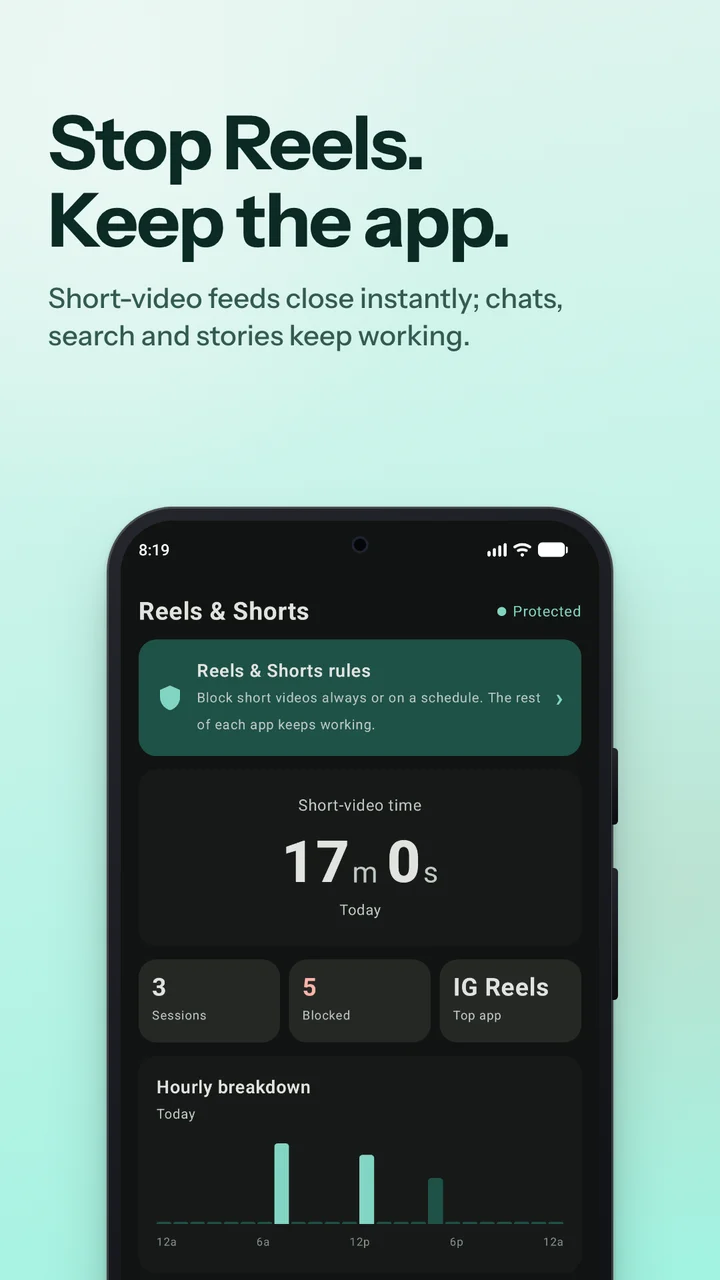
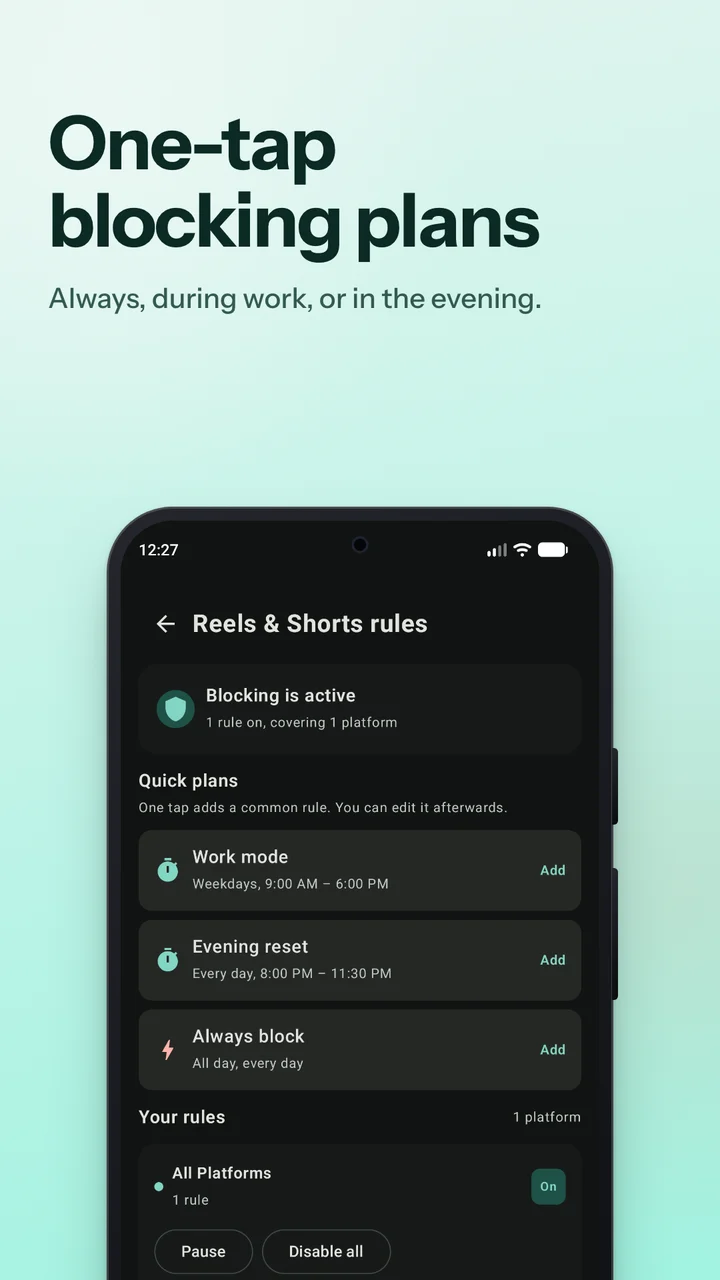
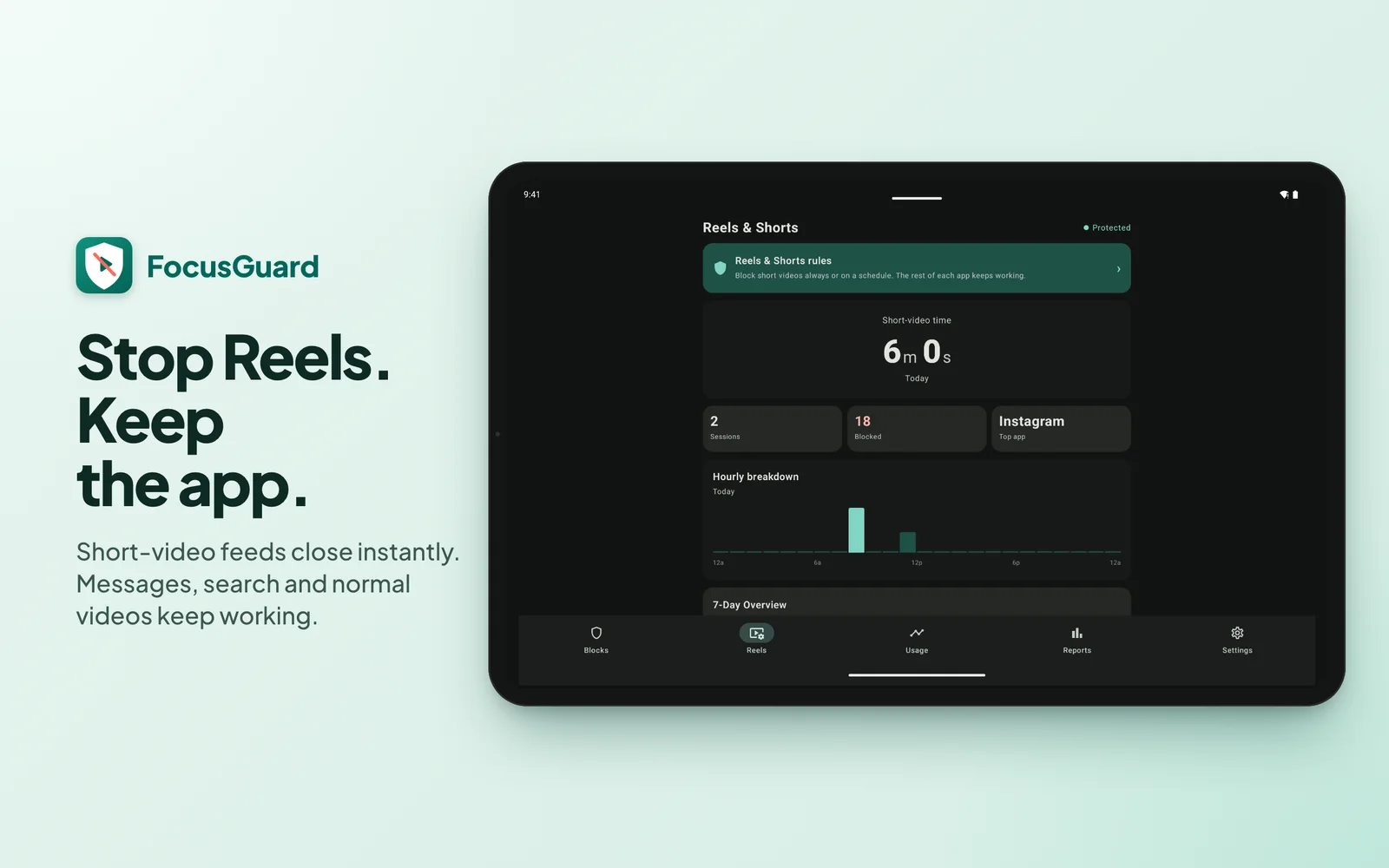
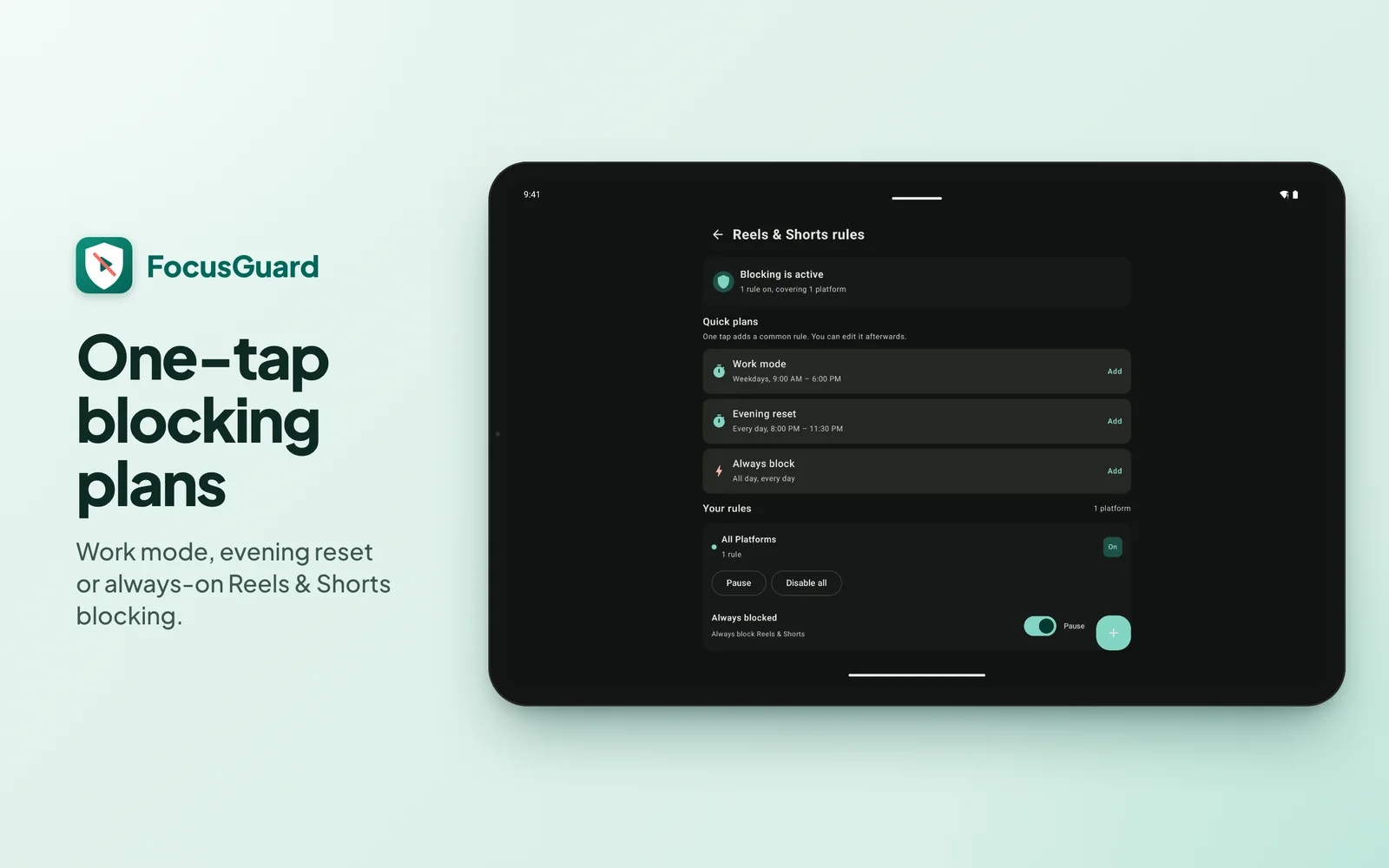
- Reels & Shorts blocking: Instagram Reels, YouTube Shorts, TikTok, Facebook Reels and Snapchat Spotlight close instantly, on your schedule. Messages, search and chosen videos keep working.
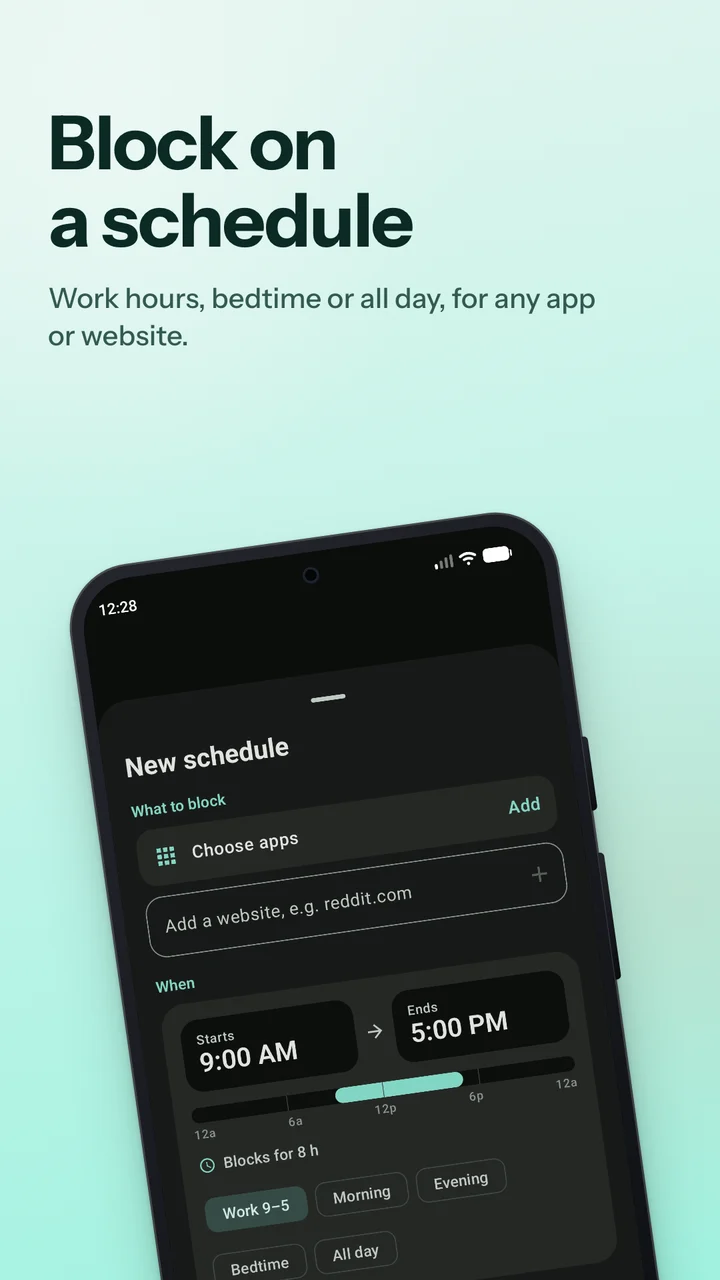
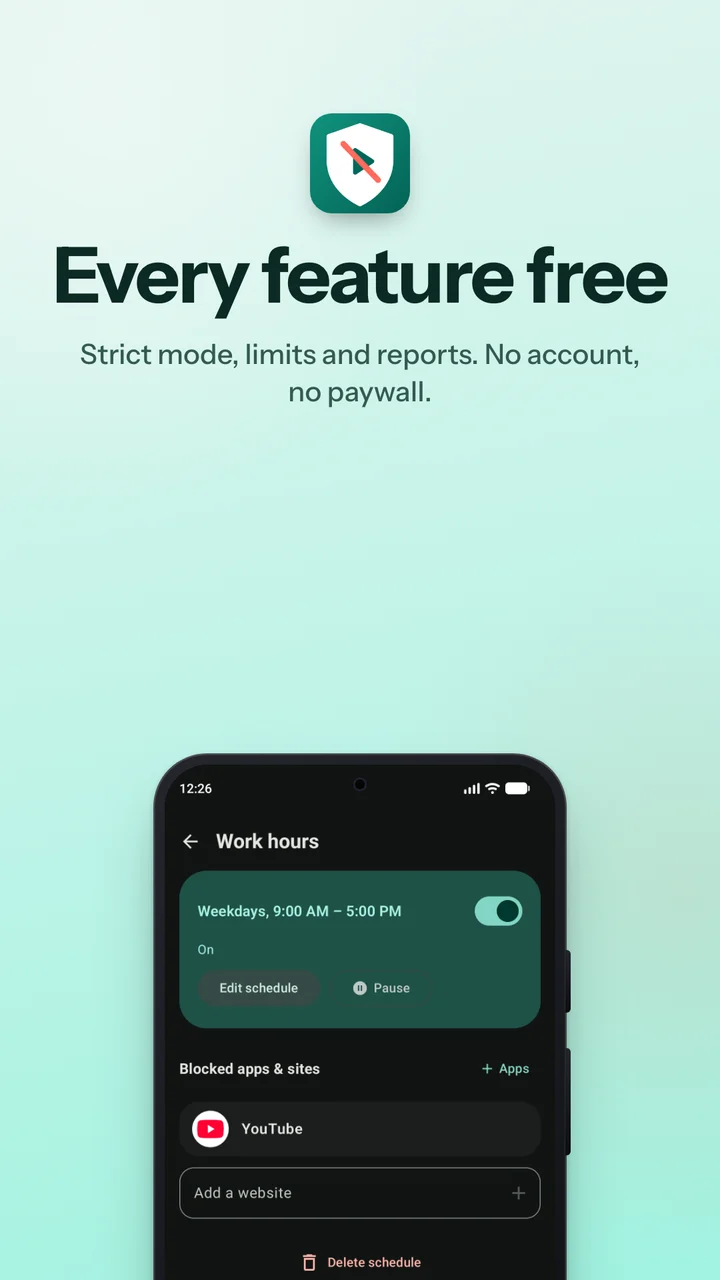
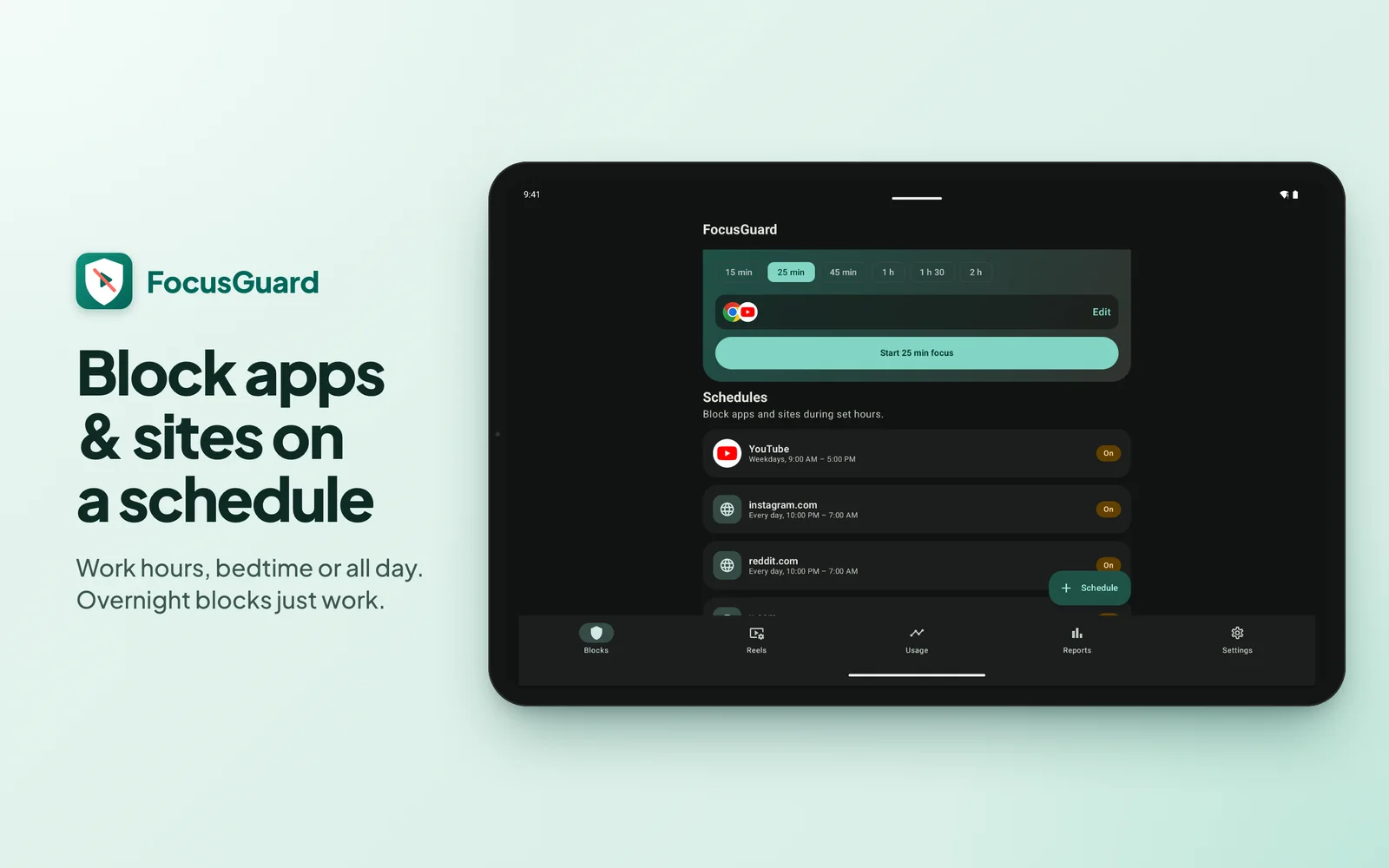
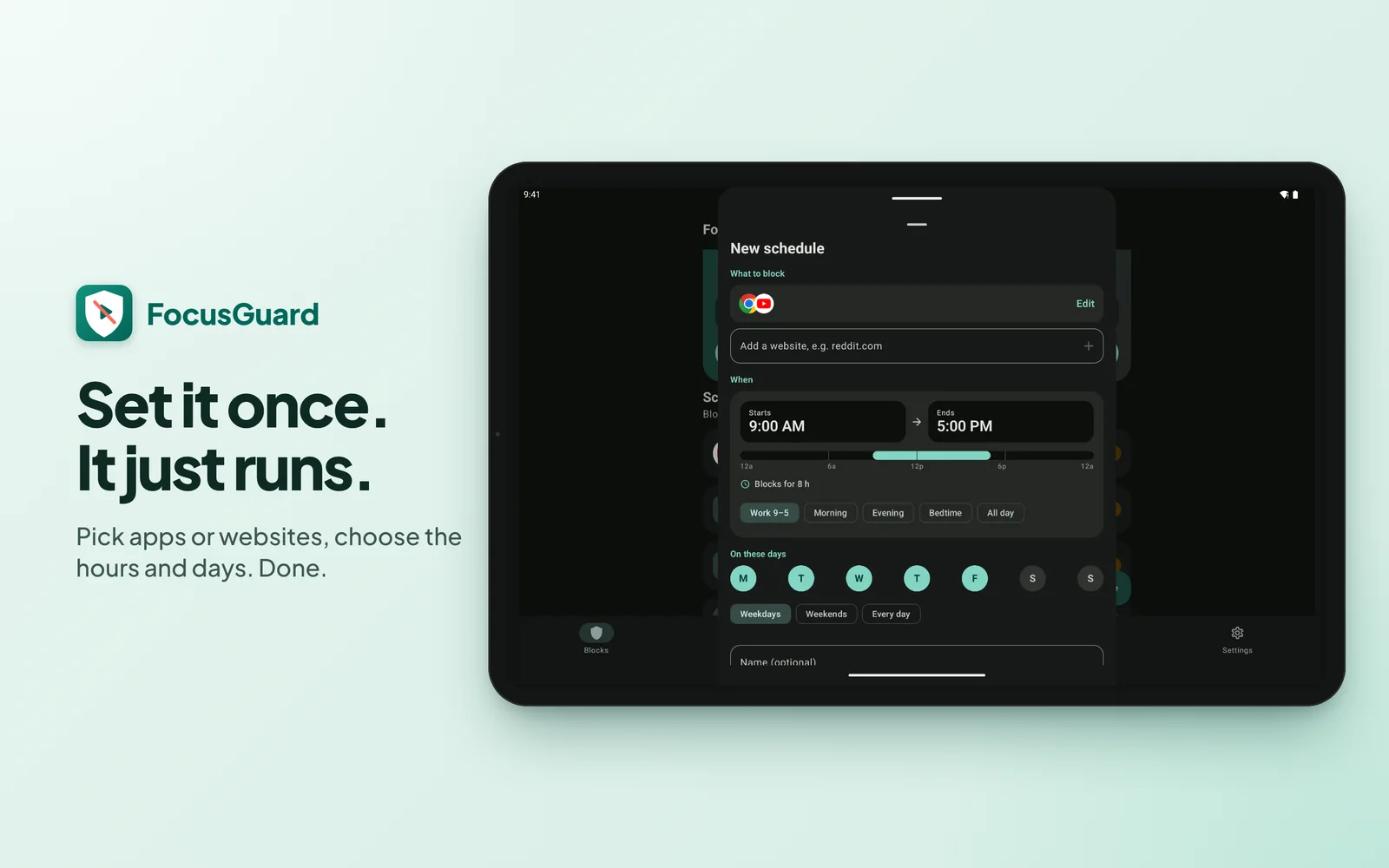
- App & website schedules: Work hours, bedtime or all-day windows per app or site, with day picker and overnight support.
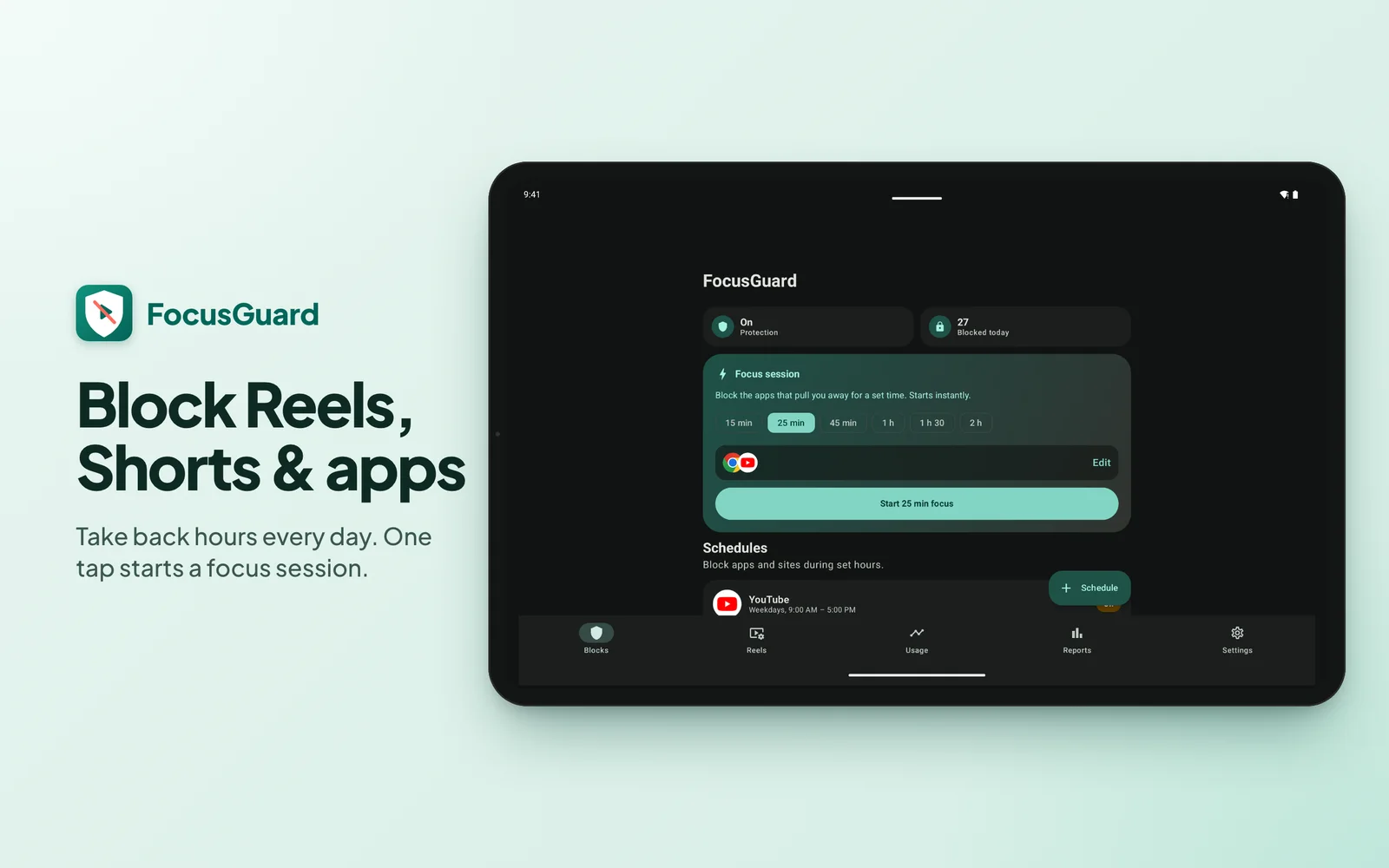
- Focus timer & limits: One-tap sessions (15 min to 2 h, also from Quick Settings), daily time caps, open limits and a mindful pause before tempting apps.
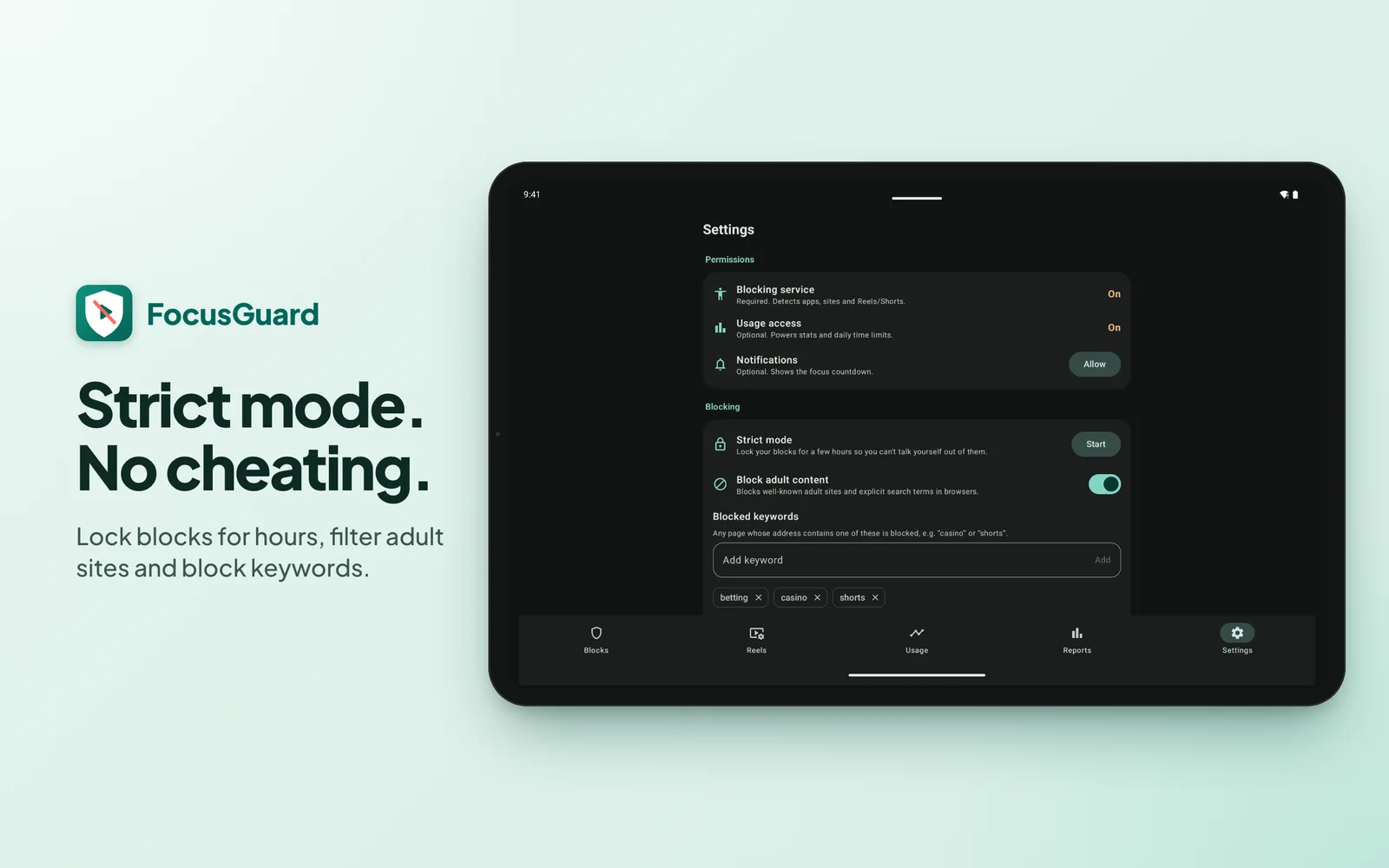
- Strict mode & filters: Lock blocks for hours, block adult sites and keyword addresses across major browsers.
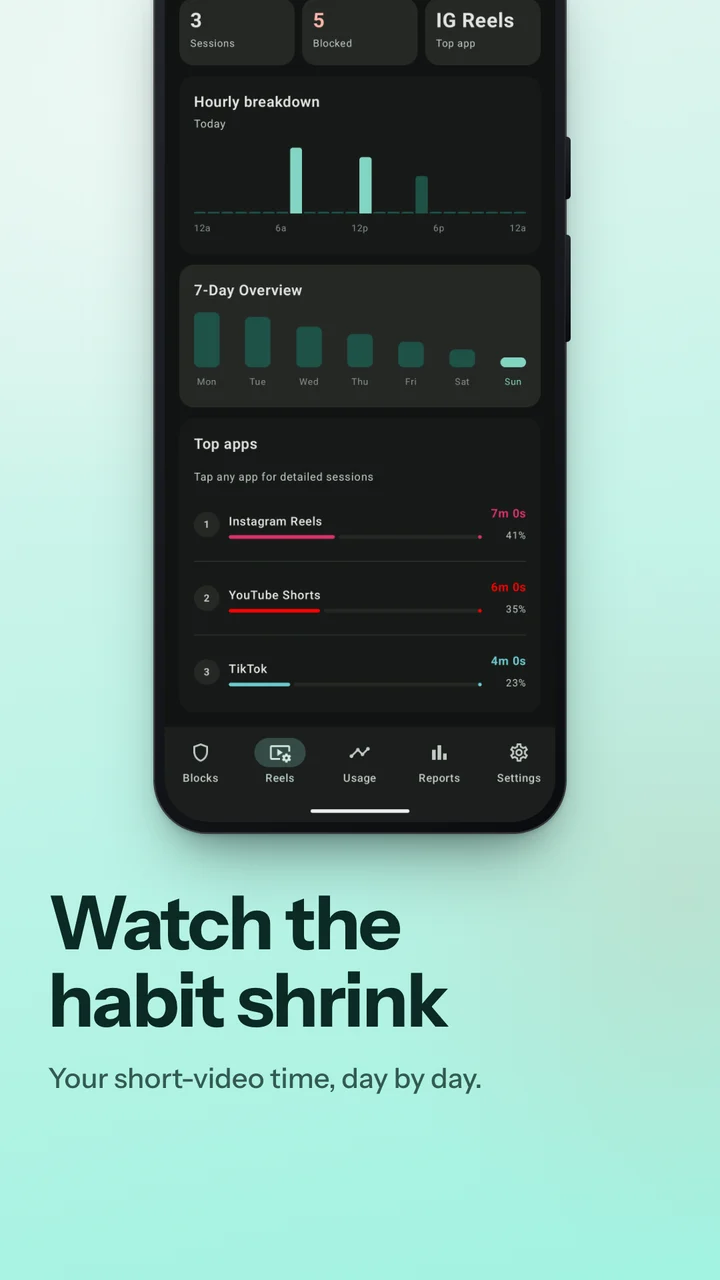
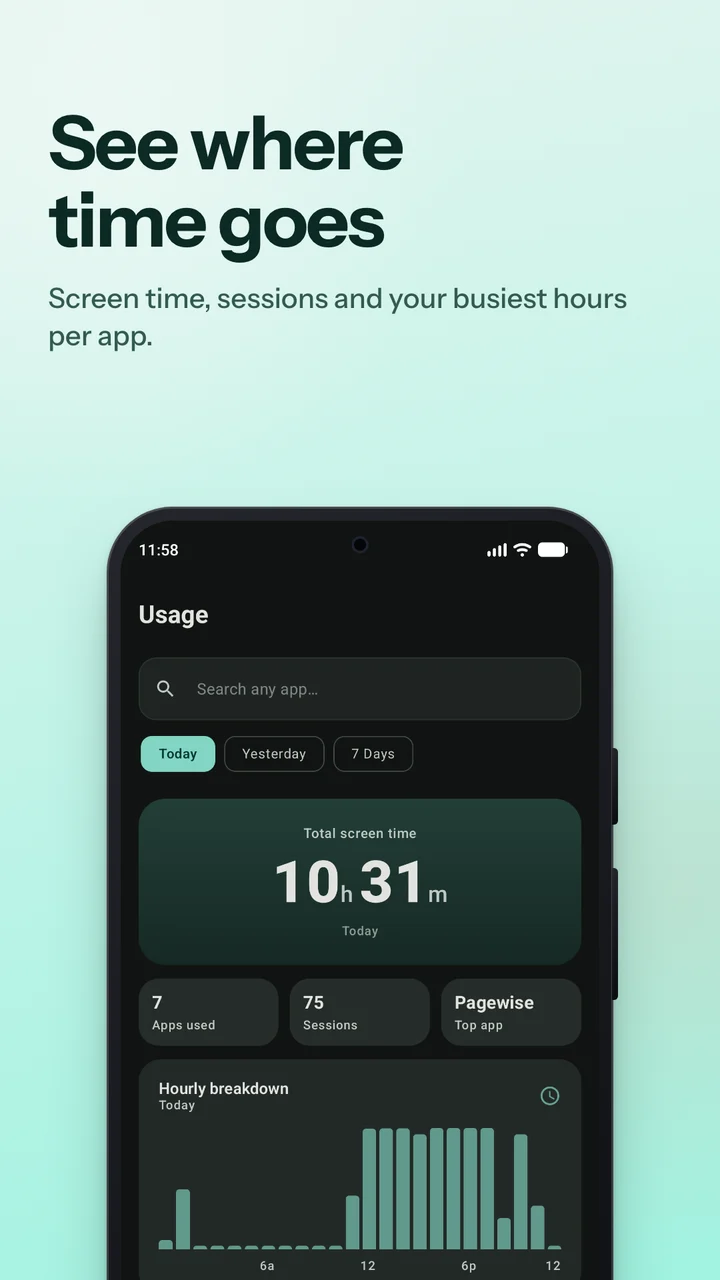
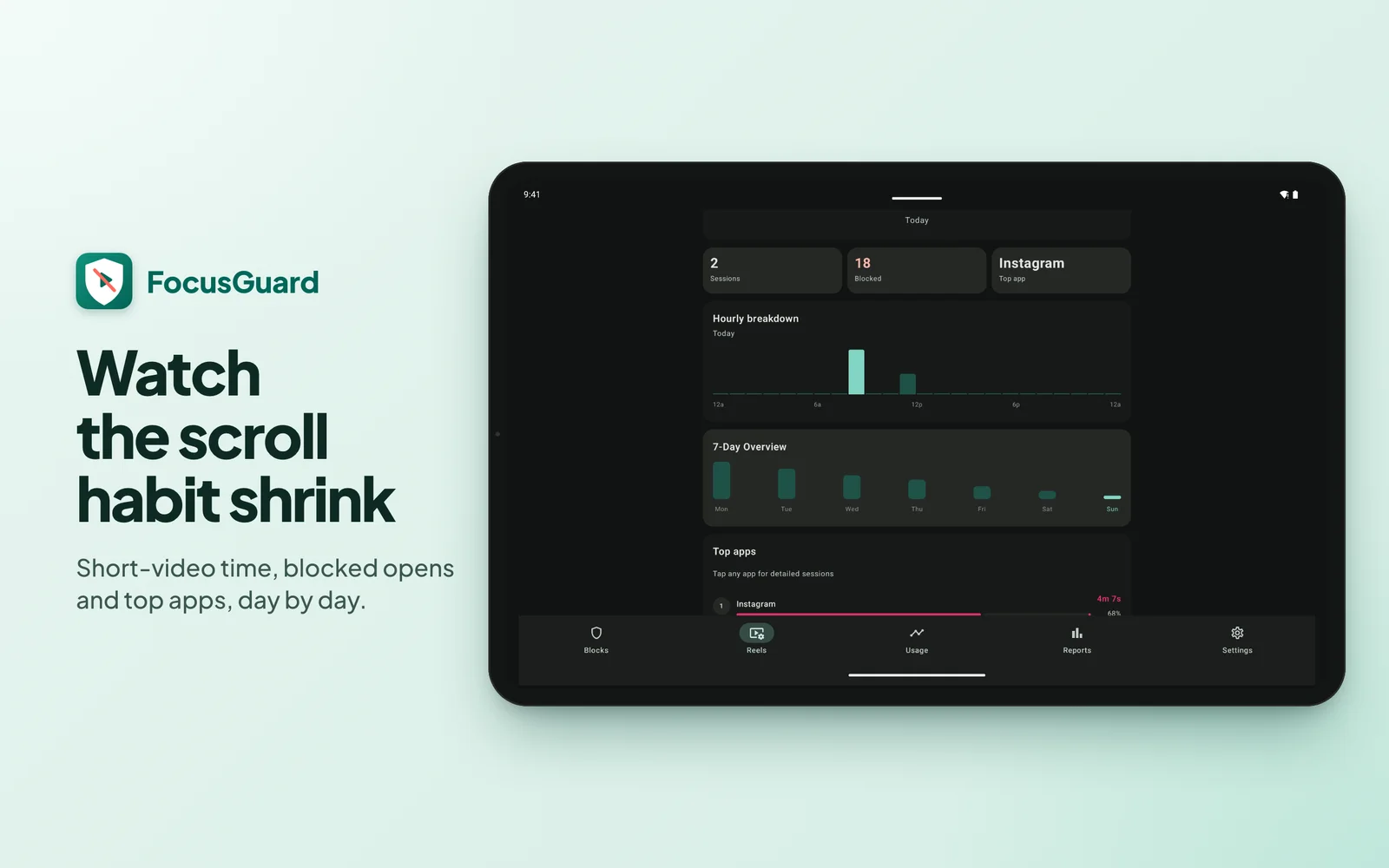
- Usage & reports: Screen-time hero, hourly rhythm, per-app session drill-downs and weekly reports — all computed on-device.
Why use FocusGuard?
Private & Works Offline
No account, no analytics. Blocking works offline, and your rules and screen-time stats never leave your phone.
Reels & Shorts Killer
Short-form feeds close the instant they open — on your schedule — while chats, search and chosen videos keep working.
Schedules That Stick
Work hours, bedtime or all-day blocks per app or site — with focus timer, strict mode and weekly screen-time reports.
App Screenshots
On tablets
Technical Details
We craft our apps with lightweight, efficient architecture to ensure they start immediately, run without sluggishness, and conserve battery life.
All rules, data and settings are stored locally on your device; the internet is used only to load ads.
| Category | Productivity |
| Current Version | 2.0.0 |
| Price | Free · contains ads · no in-app purchases |
| Permissions | Accessibility service; optional usage access & notifications; internet for ads only. |
| Requires | Android 8.0 or higher |
| Package ID | app.novushq.appblocker |